Warns drivers before it’s an accident
The SafetyCam’s advanced driver assistance (ADAS) alerts speak up in the cab the moment it sees:
- Tailgating, or following too closely
- Drifting out of the lane
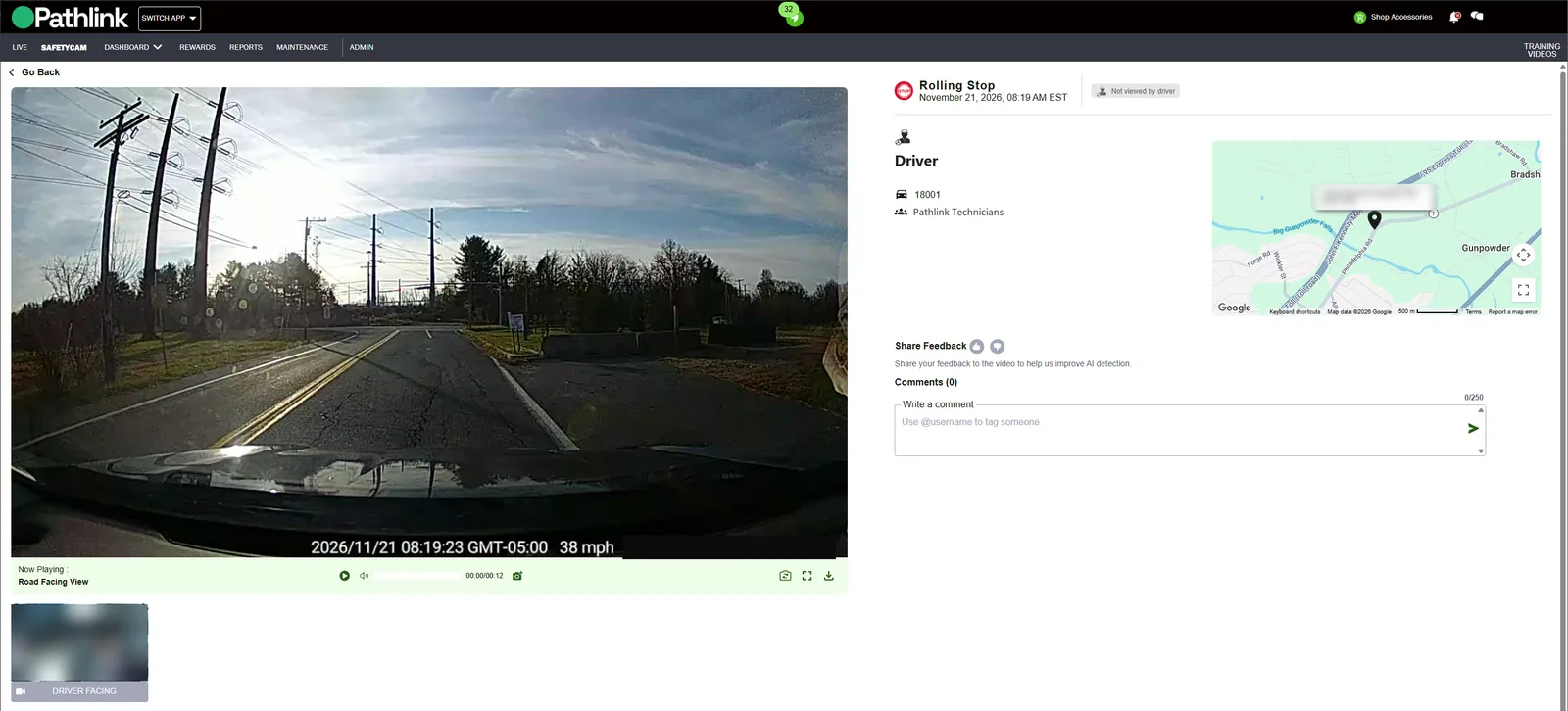
- Rolling through a stop
Catches distraction and drowsiness
A driver monitoring system watches the cab for phone use, distraction and drowsiness, and flags smoking and unbuckled seat belts. Distracted driving is one of the leading causes of preventable crashes, and real-time alerts help drivers catch it themselves.
Records the moments that matter
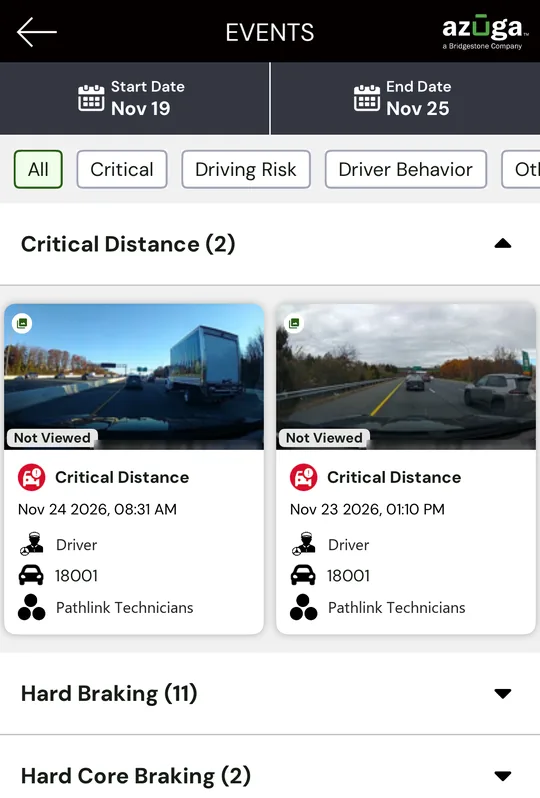
The camera saves video automatically when it detects an impact or a hard driving event:
- Harsh acceleration
- Hard braking
- Sharp, sudden turns
- Tailgating, lane departures and rolling stops
- Phone use, smoking, an unbuckled seat belt and other in-cab events
Drivers can also press a panic button to record on the spot. Video is stored in the cloud, so it’s there when you need it.
Live video, any time
Check in on a vehicle, its driver, passengers and cargo with live video in Azuga’s web and mobile apps.
Coach drivers and settle claims
Every event is tied to a driver, so you can see who needs coaching and tailor training to each driver’s own habits. When there’s an incident, video shows what really happened. It can clear your driver and help with insurance claims and renewals.
Add more cameras
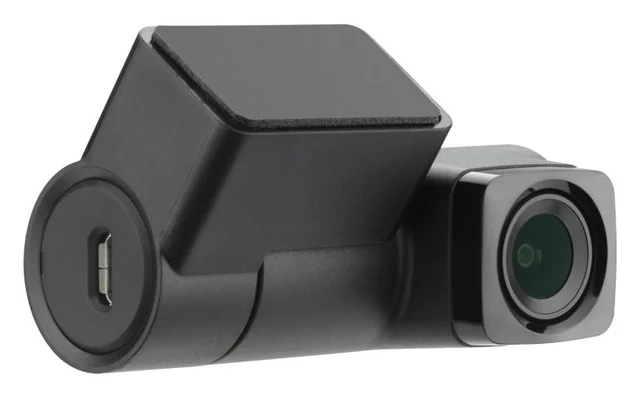
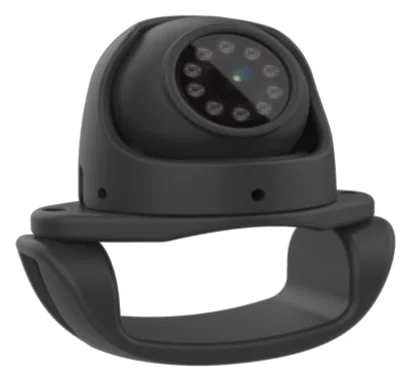
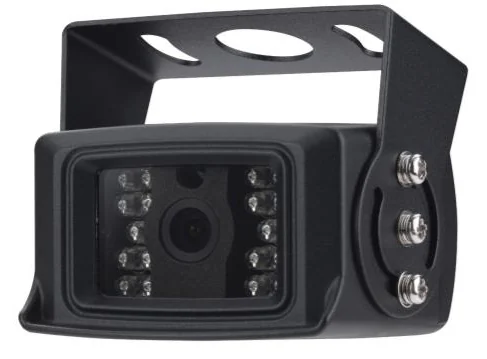
Two editions add wired auxiliary cameras for a fuller view around the vehicle:
| Next-Gen Plus | Next-Gen Pro | |
|---|---|---|
| Extra cameras | 1 rear-view camera | Up to 4 cameras |
| Where they go | Inside, on the rear window | Inside or outside the vehicle, or on a trailer |
| Weatherproof | No, interior use only | Yes, IP69 dome and square cameras |
| Cable length | 8 m (26 ft), pre-fitted | Extension cables up to 40 m (131 ft) |
| Night vision | No | Infrared LEDs, automatic day/night mode |
Installed for you
The SafetyCam is powered through the vehicle’s OBD-II port or hardwired. Pathlink’s local technicians handle the install, at a fixed price.